
Engineering reading paths · From question to evidence
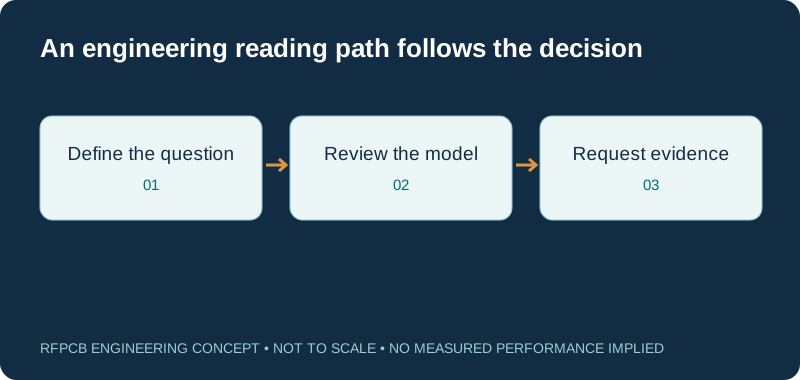
Use the RF PCB engineering blog to find the next useful guide for your project. Choose a reading path by the decision you need to make, then carry its assumptions into your stackup, fabrication drawing or test request. The articles and tools support engineering review; project-specific evidence determines acceptance.
Start with your immediate question: which material, which transmission structure, which manufacturing detail or which measurement? The topic paths below connect practical guides and planning tools. Keep the operating band, board revision and proposed construction beside your notes so information from different articles remains comparable.
Choose a reading path for your next decision
| Your question | Start here | Useful output |
|---|---|---|
| Which laminate should I investigate? | Material selection guide | Named candidates with comparable property conditions |
| What defines this transmission line? | Impedance modeling resource | Geometry and stated model assumptions |
| Where is the RF loss coming from? | RF loss reduction guide | A path-based loss budget and validation question |
| Is the fabrication package ready? | RF PCB DFM checklist | Resolved drawing notes and visible open issues |
| What does the report demonstrate? | RF PCB test report guide | Sample, method, limits and reference planes |
| How should I compare quotations? | RF PCB cost worksheet | Comparable delivered scope and explicit assumptions |
Material selection and meaningful comparisons
Begin with the material selection guide when the laminate is still open. Use the Dk and Df comparison resource to see why the exact grade, method and frequency belong beside each value. A material family name alone leaves too much unspecified for a purchasing decision.
For an existing design, follow a named comparison such as RO4350B versus RO4003C. Record which constraints are fixed and whether changing geometry is allowed. Treat a similar nominal Dk as a reason to investigate, then identify the model updates and prototype evidence needed before approving a substitution.
Transmission lines, stackups and return paths
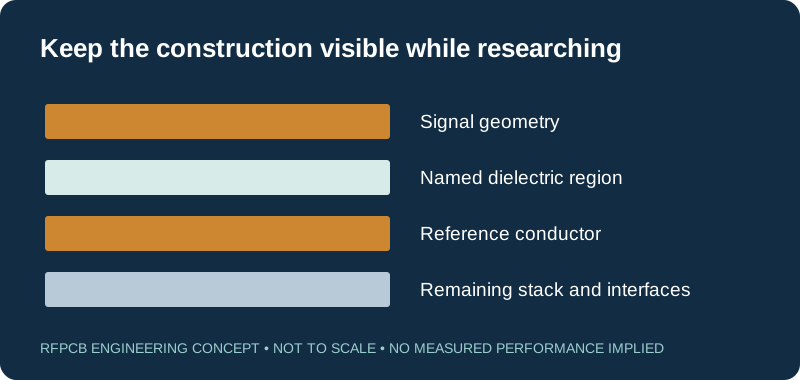
The stackup library gives construction concepts to discuss with engineering. Pair it with the controlled-impedance guide when defining reference layers, dielectric separations and coupon requirements. A useful sketch shows the fields' surrounding materials as well as the signal conductor.
Use the impedance calculator within its stated model limits. Keep units and assumptions with the result. Once a structure includes masks, unusual coplanar geometry or significant discontinuities, determine whether the chosen model still represents the question. The reading should end with a defined cross-section and an appropriate verification plan.
RF loss, phase and sensitive circuit behavior
Read how to reduce RF PCB loss when measured attenuation or gain is the concern. Divide the path into uniform routing, transitions and other passive contributions. The insertion-loss resource helps organize assumptions; it does not replace a measurement of the assembled path.
For resonant or phase-sensitive designs, continue to the filter and duplexer guide or phased-array guide. Note which quantities require a frequency sweep and which structures must be represented in a prototype. An isolated material number cannot describe every contribution to the circuit response.
Applications that change the engineering priorities
Choose application guidance by circuit function. The RF power amplifier guide helps frame electrical and thermal requirements. The LNA guide puts attention on the receive path. The antenna guide connects board construction with the installed RF environment.
These are starting points for describing a design, not evidence that another project's outcome transfers to yours. Supply operating band, interface constraints and acceptance goals. If the board combines several functions, identify the sensitive paths individually so a proposal that improves one part does not silently change another part's assumptions.
Fabrication details and a reviewable drawing
Use the DFM checklist to collect material, hole, copper, outline and test information before release. Follow the hybrid stackup guide when different dielectric systems share a board, or the edge-plating and castellated-hole guide when the board edge carries an electrical connection.
Write the review outcome into the controlled package. Distinguish a proposed manufacturing adjustment from an approved drawing change. A complete response identifies the affected features and required sign-off. Keep a list of unresolved items so purchasing and engineering work from the same definition of readiness.
Measurements and the evidence behind a pass
Start with the test report guide before ordering measurements. It separates connectivity, impedance and RF characterization. For fixtures or calibration structures, continue to test and measurement PCB planning. Match the sample and reference planes to the requirement you intend to verify.
When reviewing a plot, look for the board revision, method, units, limits and test conditions. Find out which fixtures are included or removed. A result becomes useful engineering evidence when another reviewer can determine what was measured, which construction it represents and whether its scope matches the proposed acceptance decision.
Purchasing, schedule and project handoff
The cost worksheet and lead-time planning page help distinguish entered assumptions from confirmed supplier commitments. Compare quotations using the same revision, construction, quantities and inspection scope. Keep sourcing, technical review and additional testing visible when planning the next milestone.
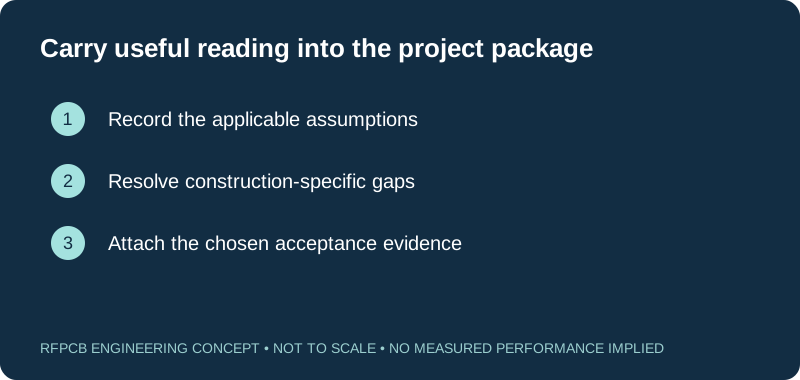
Use the checklist below to collect what your reading has resolved. Add open questions and source notes before downloading the summary. When the package is ready for a response, send it through the quote form. If confidentiality arrangements are needed first, use the NDA inquiry page to describe that requirement.
Prepare a reviewable engineering request
Check only the requirements you have actually documented. This list records readiness; it does not inspect your files or certify a design. Missing information is useful: identify it explicitly so the engineering review can resolve it before a production release.
These inputs are processed in your browser and are not submitted by this tool. The downloaded summary is a plain-text planning record. Use the secure quote form to send files; request an NDA first if your project requires one.
Manufacturing context
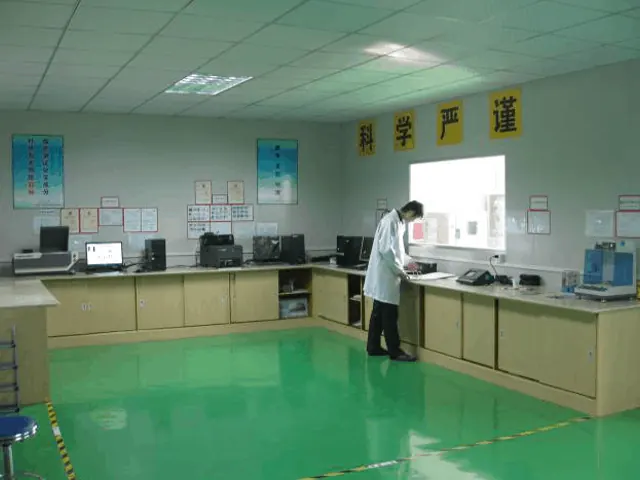
RFPCB and PCBSync share the manufacturing facility shown below. These process photographs illustrate the production environment; they are not evidence that a particular board, material grade or RF performance has been qualified. Request the documentation and inspection scope applicable to your project.


Using the RF PCB engineering blog
Where should I start if the material is not selected?
Begin with the material selection guide, then compare exact grades using compatible test conditions. Record the electrical, thermal and fabrication constraints before narrowing the candidate list.
Are the calculators measurements of manufactured PCBs?
No. They evaluate entered scenarios under stated assumptions. Use project-specific models and representative measurements when making acceptance decisions.
Can an article replace a fabrication drawing?
No. Articles explain concepts and review questions. The released drawing, agreed stackup, inspection scope and approved changes define the board to be manufactured.
Does a linked application guide describe a customer case?
Application guides describe engineering considerations. They should not be treated as measured customer results or evidence of a particular qualified construction.
Continue your engineering review
Turn your reading into a project review
Collect the relevant construction, operating conditions and acceptance questions. Submit a defined revision and identify assumptions that still need an engineering response.
Sources and engineering scope
- Rogers: Managing PCB Materials Dielectric Constant (Dk)
- Rogers: Understanding Material Interactions with PCB Fab Processes
- Keysight: Removing Unwanted Effects from the Measurement
Manufacturer values apply to the identified grade, test method and construction. Engineering examples on this page are illustrative; they are not measured product results, inventory statements or certification claims. Manufacturer and product names belong to their respective owners. Keep the applicable datasheet revision with your approved manufacturing package.
Ready for a quotation?
Send your requirements for a material, stackup and manufacturing review. Price and schedule are confirmed for your project.